


Jacana Scam Protection is now live on iOS, joining Android, macOS, Windows, and Chrome.
With one simple app, your whole family can be protected from scams on the devices they already use. So you don’t need to stay up worrying that your dad might become a victim in the next fake Medicare scam, or comb through yet another “watch out for scams” email from your bank. Just download the Jacana app, turn on Autoscan, and Jacana takes care of the rest.
What Jacana does on your iPhone
Always-on scam protection
Think of Jacana as an expert who is always looking out for you, warning you before you tap, reply, or send money. It spots scams across texts, emails, chats, and websites:
Safari extension: spots scams as you browse
Message filter: sends scam texts to junk
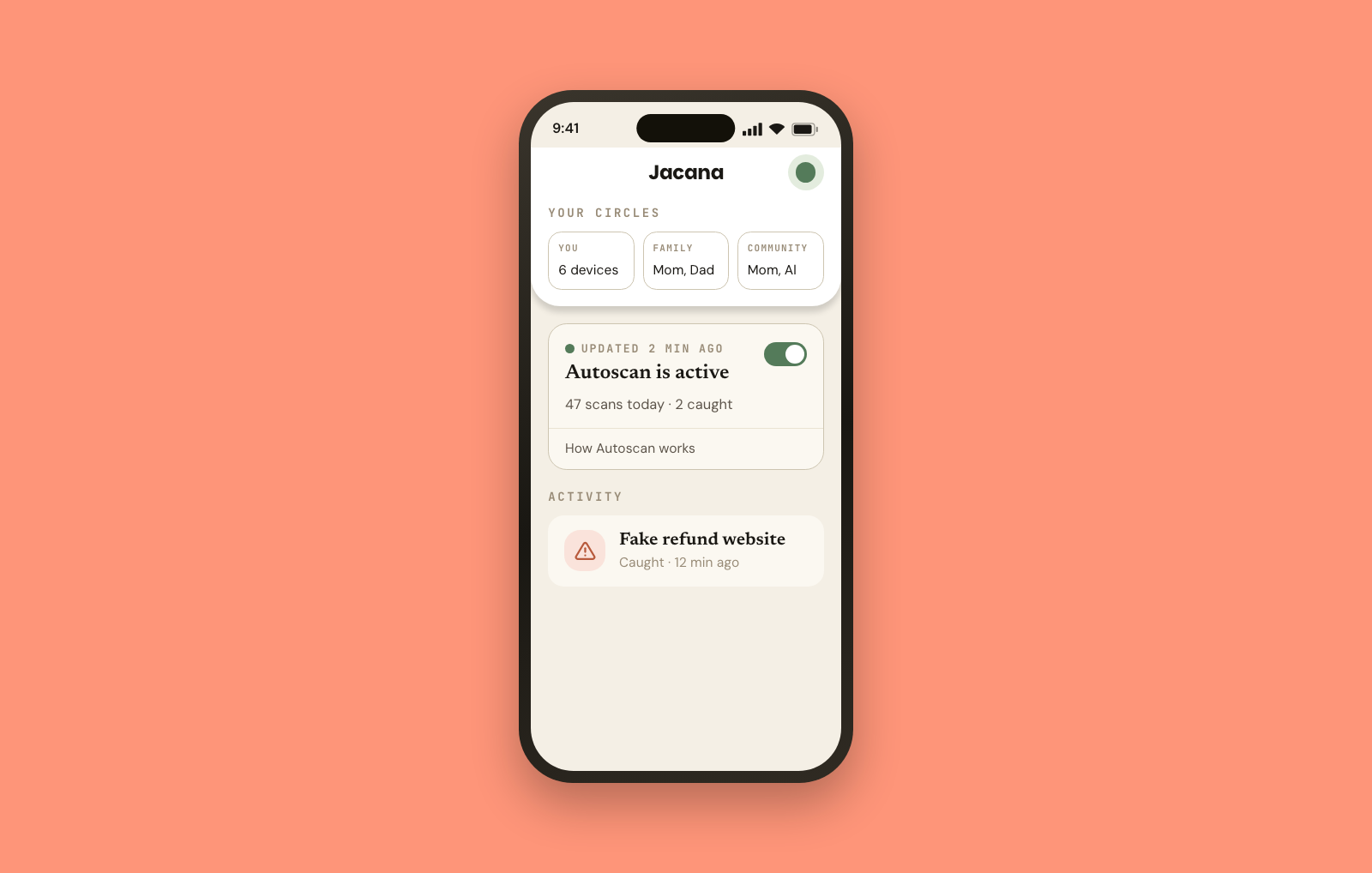
Autoscan: spots scams on your screen, no matter which app you’re using
Jacana Premium protects 1 person. Jacana Family protects up to 6 people.
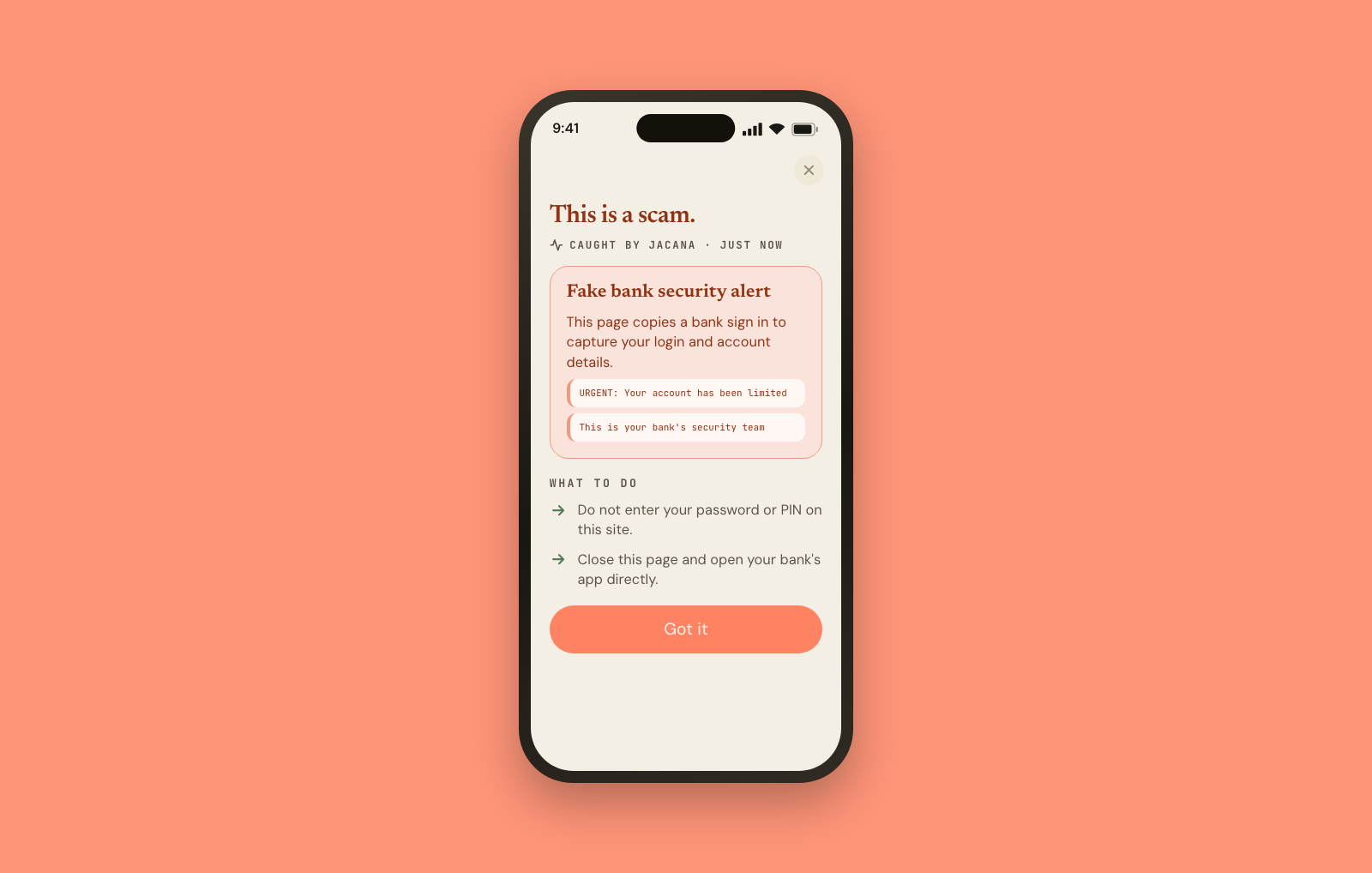
Check anything fishy for free
Got something that feels off? Open Jacana and scan it. If it’s a scam, we’ll tell you what looks wrong and what to do next. Some of the most common scams submitted to Jacana include:
Fake bank and delivery texts
Job offers and investment tips in your DMs
Fake tech support and IRS emails
Links to fake login pages
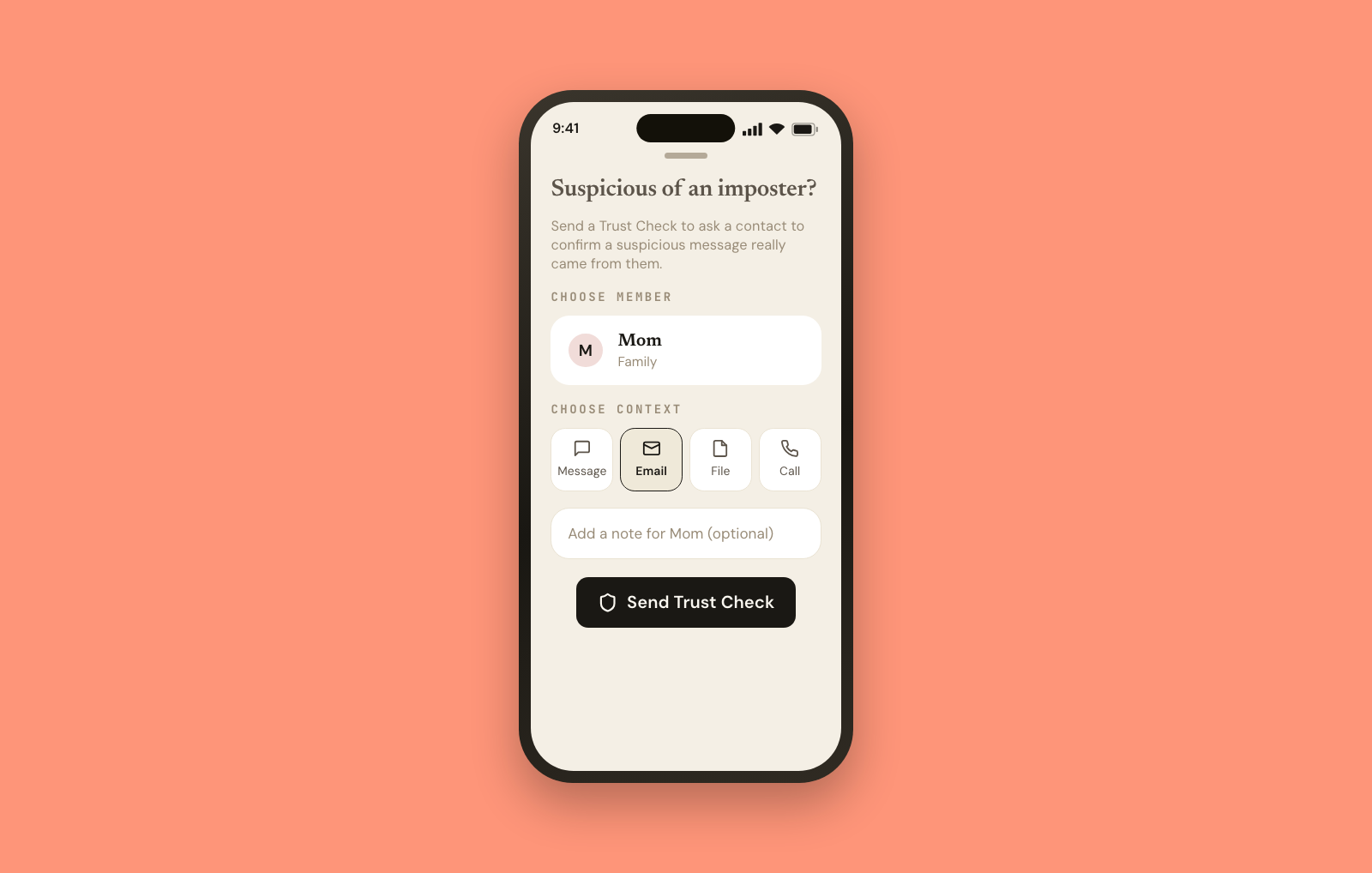
Outsmart imposters
Get a message that looks like it’s from someone you know but feels a little off? Send a Trust Check. We’ll check in with them safely through the app and let you know whether it’s really them or a scam.
Autoscan & Smart Nudges on iOS
On iOS, screen protection pauses when your phone locks. To ensure you’re protected when it matters most, we’ve introduced Smart Nudges in Jacana for iOS.
What’s a Smart Nudge? When you open high-risk apps like payment, marketplace, dating, or messaging apps, Jacana nudges you to turn on Autoscan with a single tap. It pays attention so you don’t have to remember every time.
On all other platforms, Autoscan is “set it and forget it,” just like the Message filter and Safari extension on iOS.
Your privacy
You choose whether to share data to help improve scam detection, and how much data you share is up to you. Anything you do share is used to make our scam detection better, and sensitive details like phone numbers and account numbers are redacted. We will not use it to sell you ads, and we will not sell it to anyone. You can delete it any time with a tap.
Getting started
Download Jacana from the App Store and follow the setup. It takes about two minutes, and the app walks you through turning on each layer of protection.
If you already use Jacana, your plan covers iOS too. Just sign in with the same email across all your devices.
Stay Safe,
Dan