


So much of our digital lives happens in the browser, and unfortunately, so do so many scams: phishing emails, fake login pages, sketchy checkout forms, too-good-to-be-true deals, social media scams. Now Jacana is right there with you, keeping you safe from scams as you browse.
Why the browser?
Dan and I founded Jacana to solve scams for everyone. Our mission is to protect regular people from cyber harm, because right now, we’re all on our own.
The browser is a significant surface area where we interact with the Internet, especially on our computers. It’s where many of us check email, browse, do social media, and message every day. It’s where scammers direct you to from scam texts and calls, because it’s where the actual theft happens: a fake bank login page, a counterfeit store, or a form asking for your card details.
What the extension does
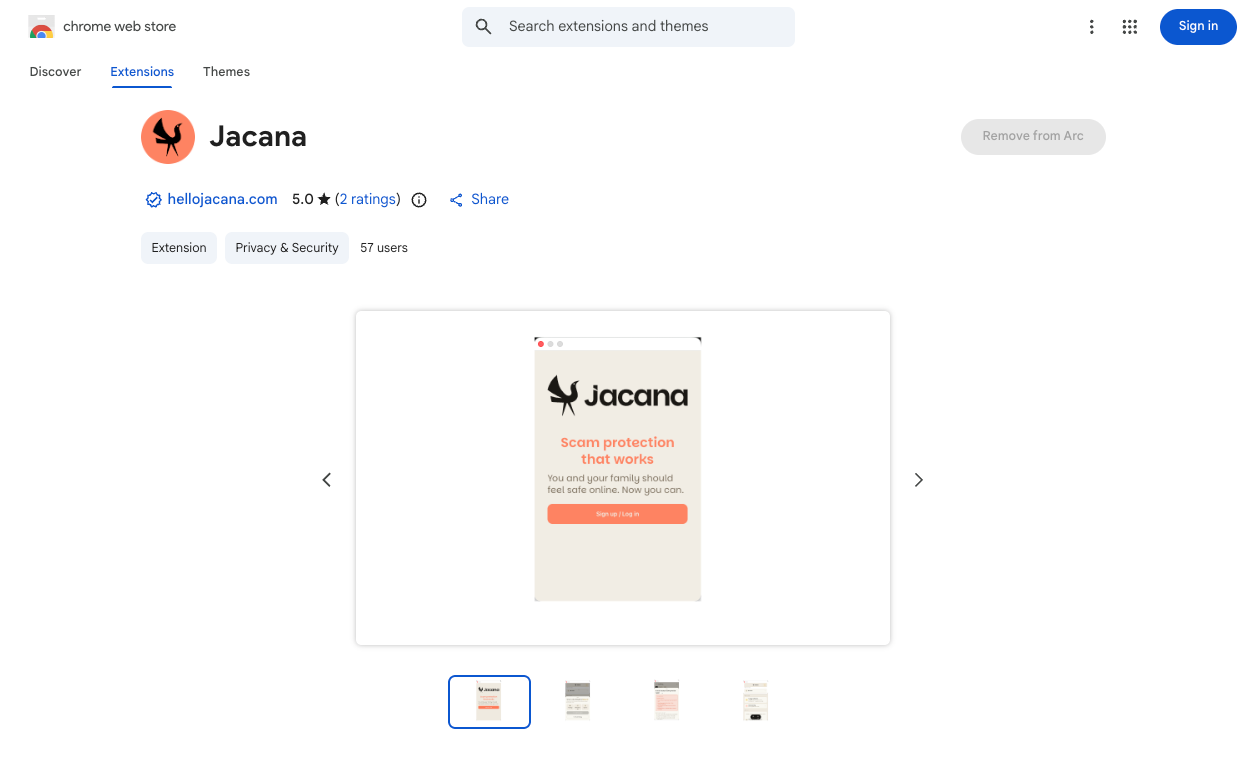
The Jacana Chrome Extension brings always-on protection to your Chromium-based browser. This means that it works on Google Chrome, Brave, Opera, and Microsoft Edge. Here’s a list of Chromium-based browsers.
Always free: Manual Scans. If you are suspicious of a webpage or something in your browser, click “Scan,” and we will check it for you and let you know if it’s a scam.
Paid plan: Always-on protection with Autoscan. Autoscan runs in the background looking for scams. When it finds one, it will alert you. The reason we become victims of scams is that we don’t recognize a scam until it’s too late. Autoscan solves that. By the way, on a paid Jacana plan, you get access to all of our features on all your devices.
A quick note on privacy. The Jacana Chrome Extension scans pages you browse to keep you safe from scams. We give you full control of your data, and we only use any data you choose to share to improve our scam detection systems to help protect everyone. We don’t sell your data, and we never will.
Just like the Jacana App, the extension is simple and easy to use. Install it in a couple of clicks, and it quietly does its job in the background. No settings to fiddle with, no alerts unless something is actually wrong.
How it fits with the Jacana App
Scammers come at us from many angles, which is why one Jacana plan covers all your devices and apps. If you do a lot of work in your Chrome or Chromium-based browser, the Jacana Chrome extension is a great option, because it improves Jacana’s effectiveness in the browser. Your plan also covers desktop (Windows and MacOS) and phone (iOS and Android).
Get started
Head to the Jacana Extension Page, click “Add to Chrome,” and you’re protected in under a minute. You can also download the Jacana App for your whole desktop (Windows and MacOS) or phone (iOS and Android coming soon) from the Jacana download page.
If you have ideas, comments, suggestions, questions, or need help with a scam, please email me at talktotate@hellojacana.com or support@hellojacana.com.
Stay Safe,
Tate Jarrow
Cofounder & CEO of Jacana